Landing Templates
Drop Muse Collection landing pages onto the MuseMVP production baseline and customize the public surface in depth.
MuseMVP is the production baseline: auth, billing, i18n, and the signed-in /app shell. Muse Collection is the public-surface layer on that baseline — eight live landing-page issues, plus later issues as they ship. They sit next to each other. Collection is not a theme switch inside the starter.
Compose the two layers; do not reskin
Replace or rewrite the public landing pages with an issue, and keep the /app shell and product modules. There is no adapter CLI; Collection is not a one-click theme inside the starter.
Two paths
The starter home page composes Hero, features, pricing, FAQ, and the rest in the route file, in render order. Hide, replace, or reorder sections by editing JSX. Full steps: Custom Landing Page.
Use this when the brand is set and you only need copy, order, and a few sections.
The sheet
Eight issues are live; two are still in production. Open any tile for the catalog. A library or founding license already covers Vesper and Folio when they ship.
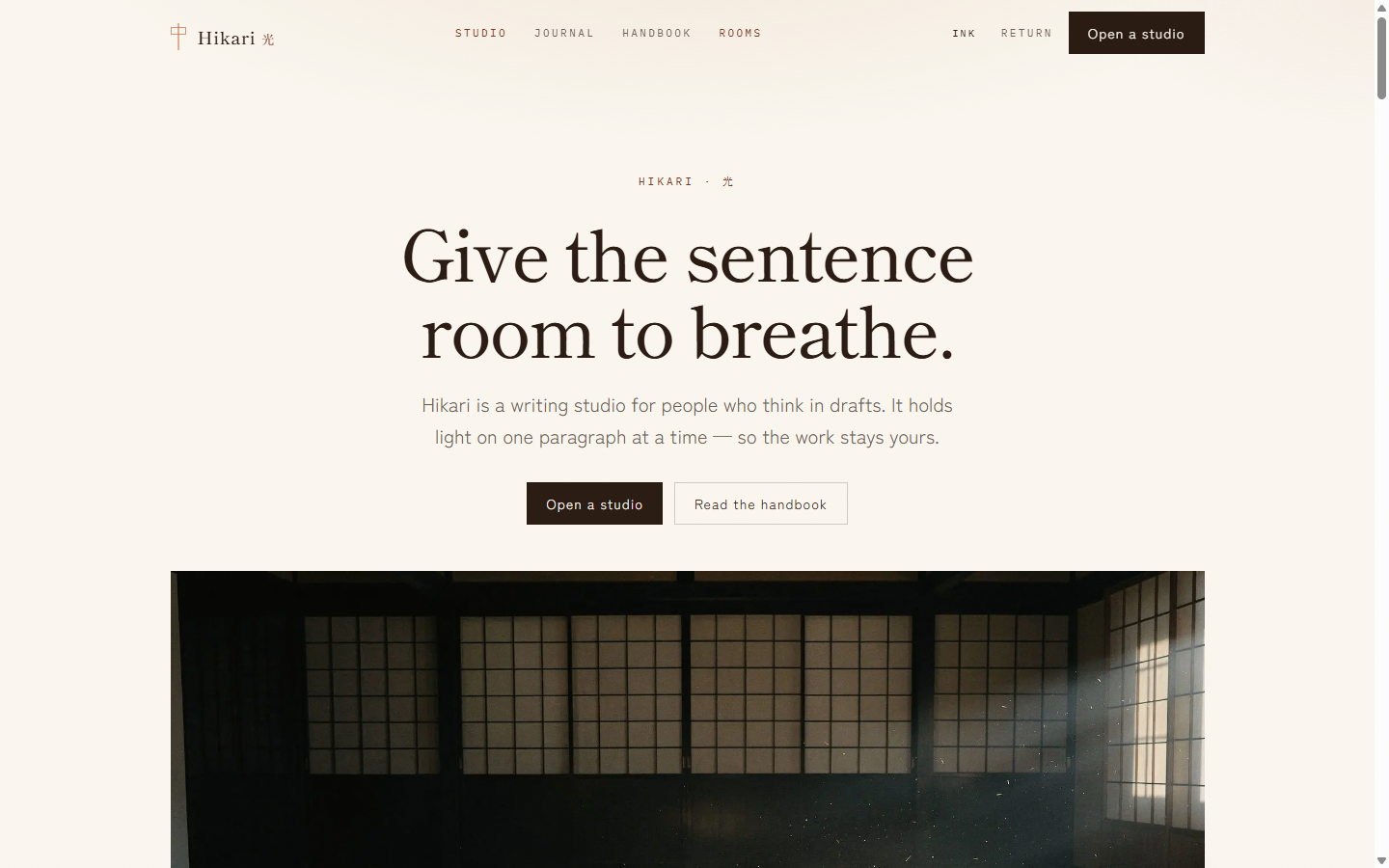 01
01Hikari
A lamp for language
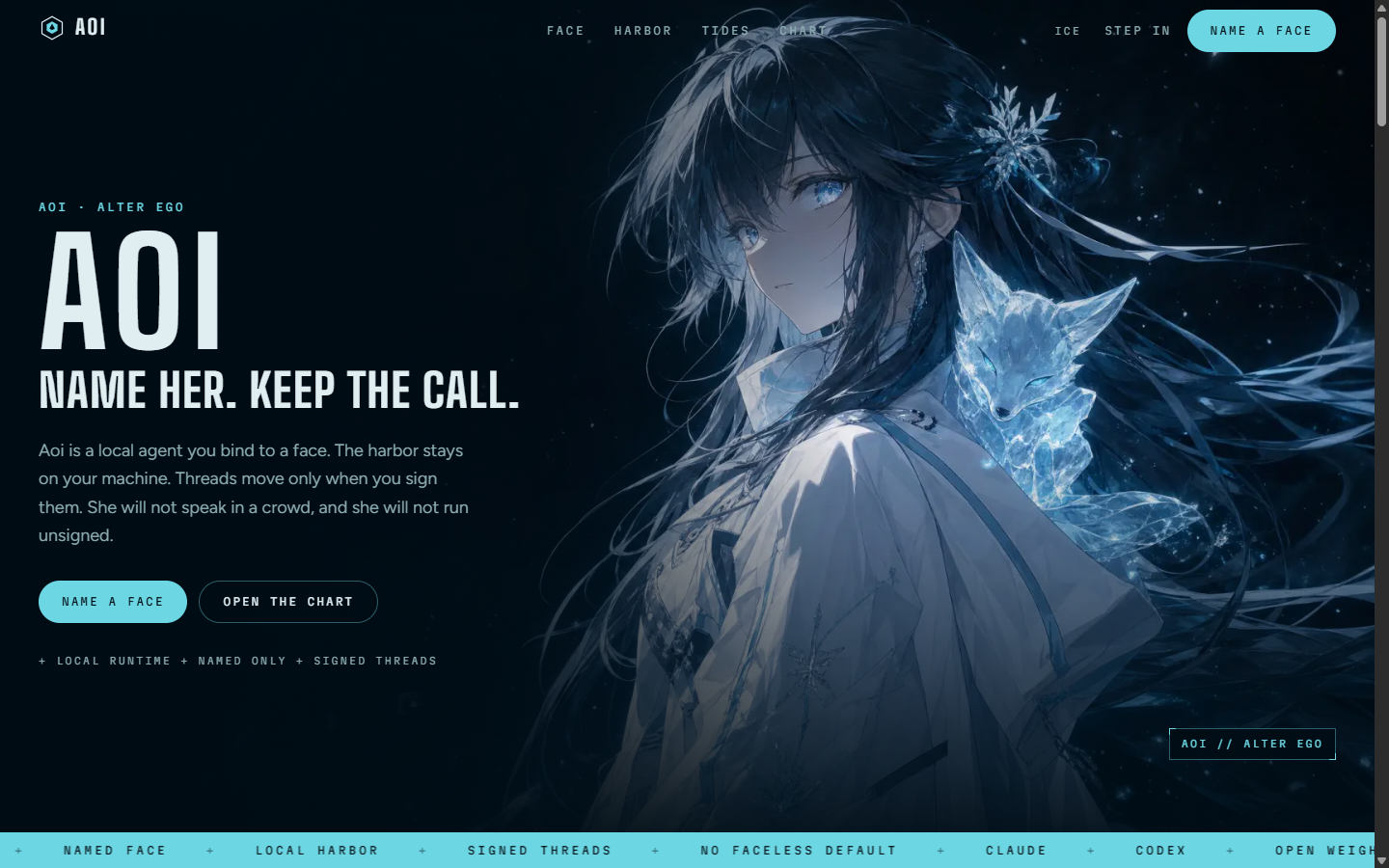 02
02Aoi
Name her. Keep the call.
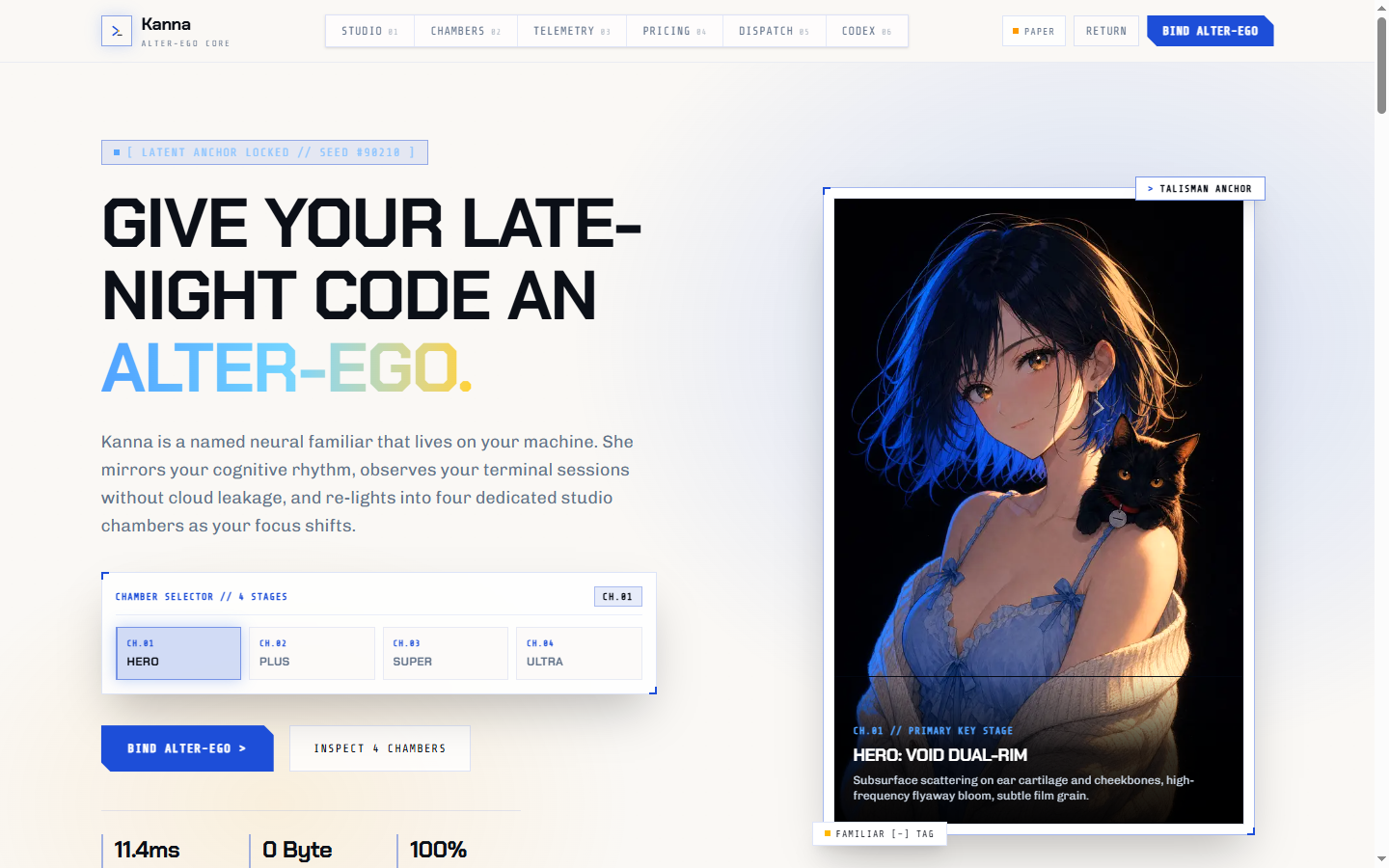 03
03Kanna
On-device neural companion & angular night-flight chamber
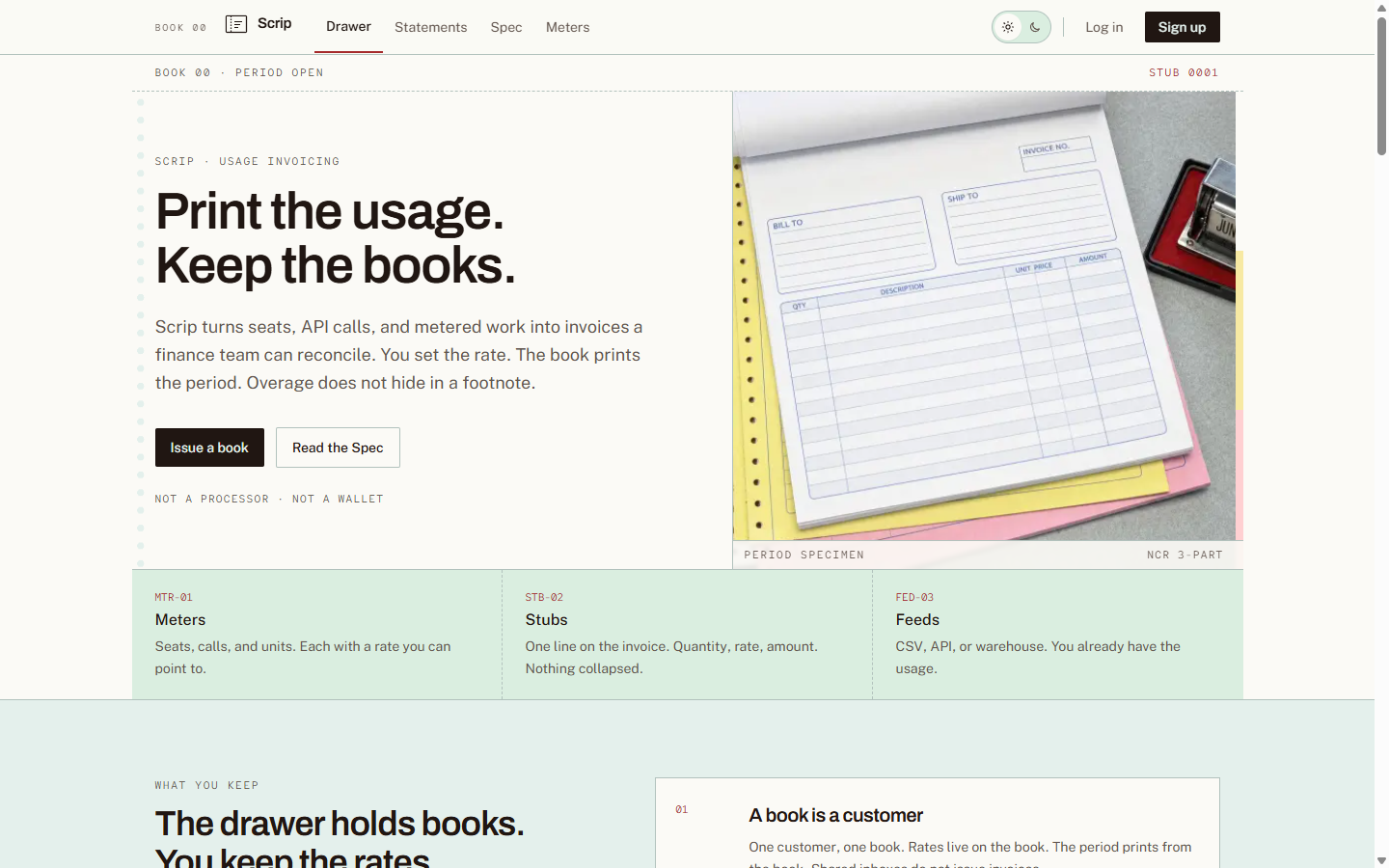 04
04Scrip
Print the usage. Keep the books.
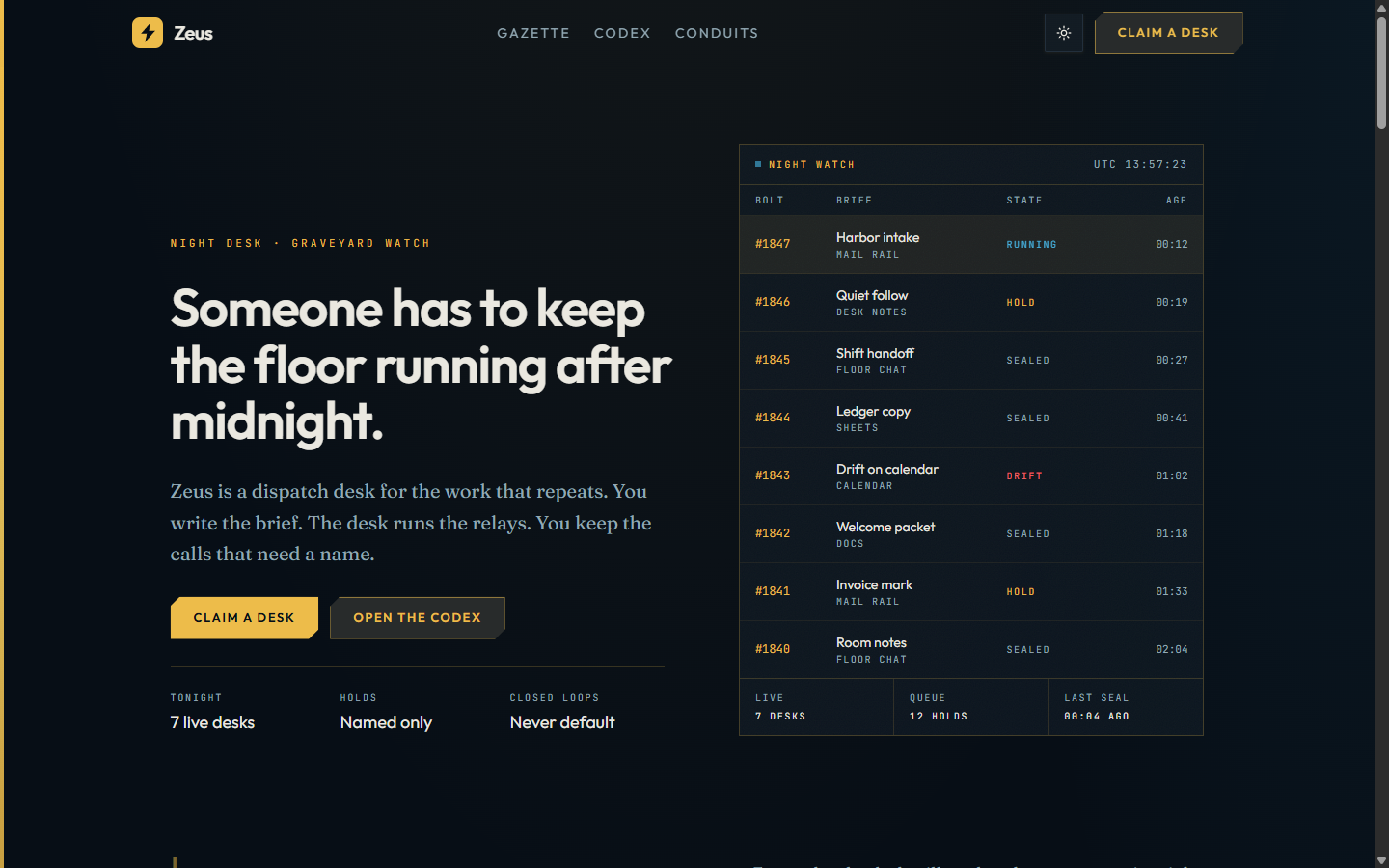 05
05Zeus
The night desk for operational work
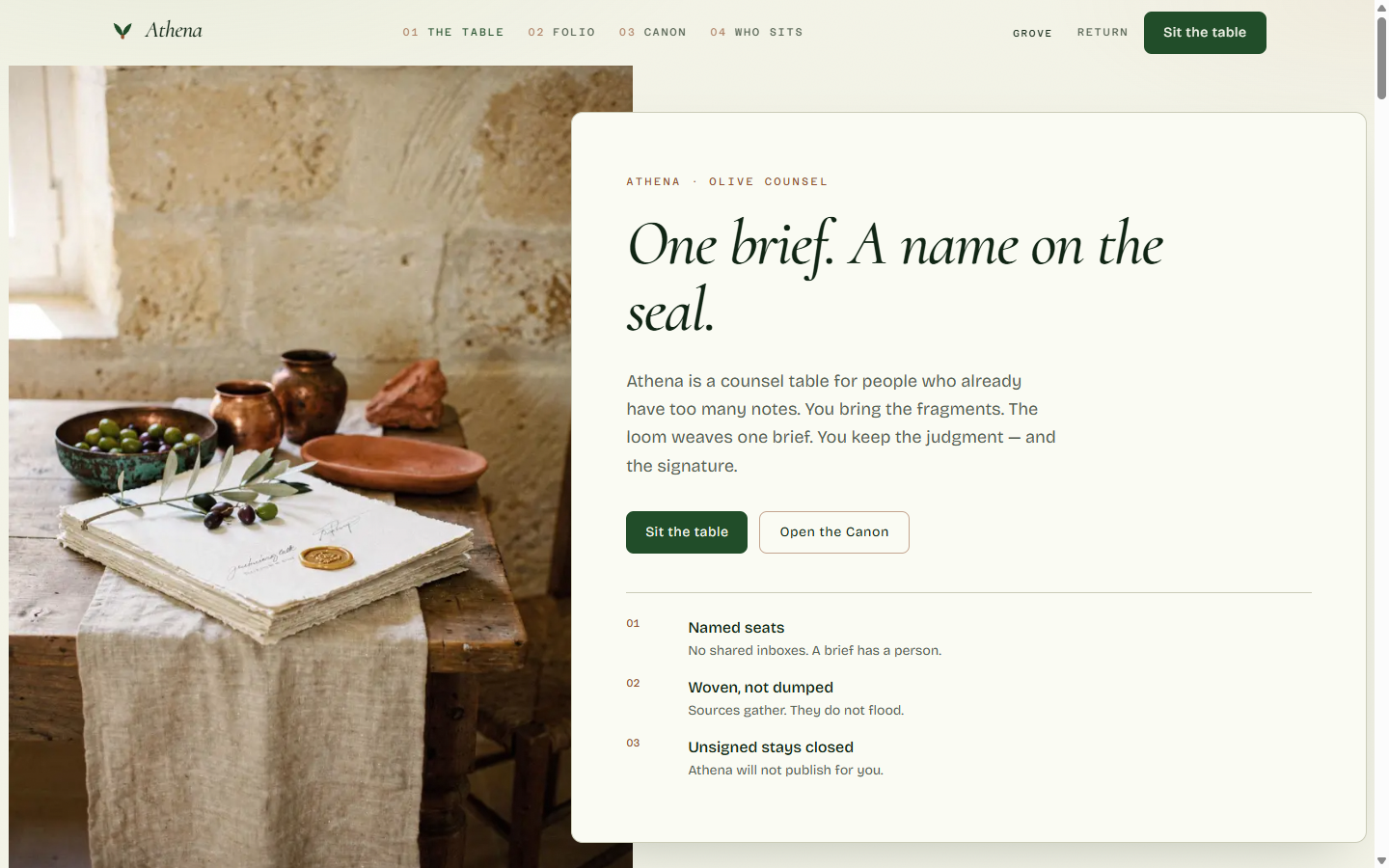 06
06Athena
The brief you can sign
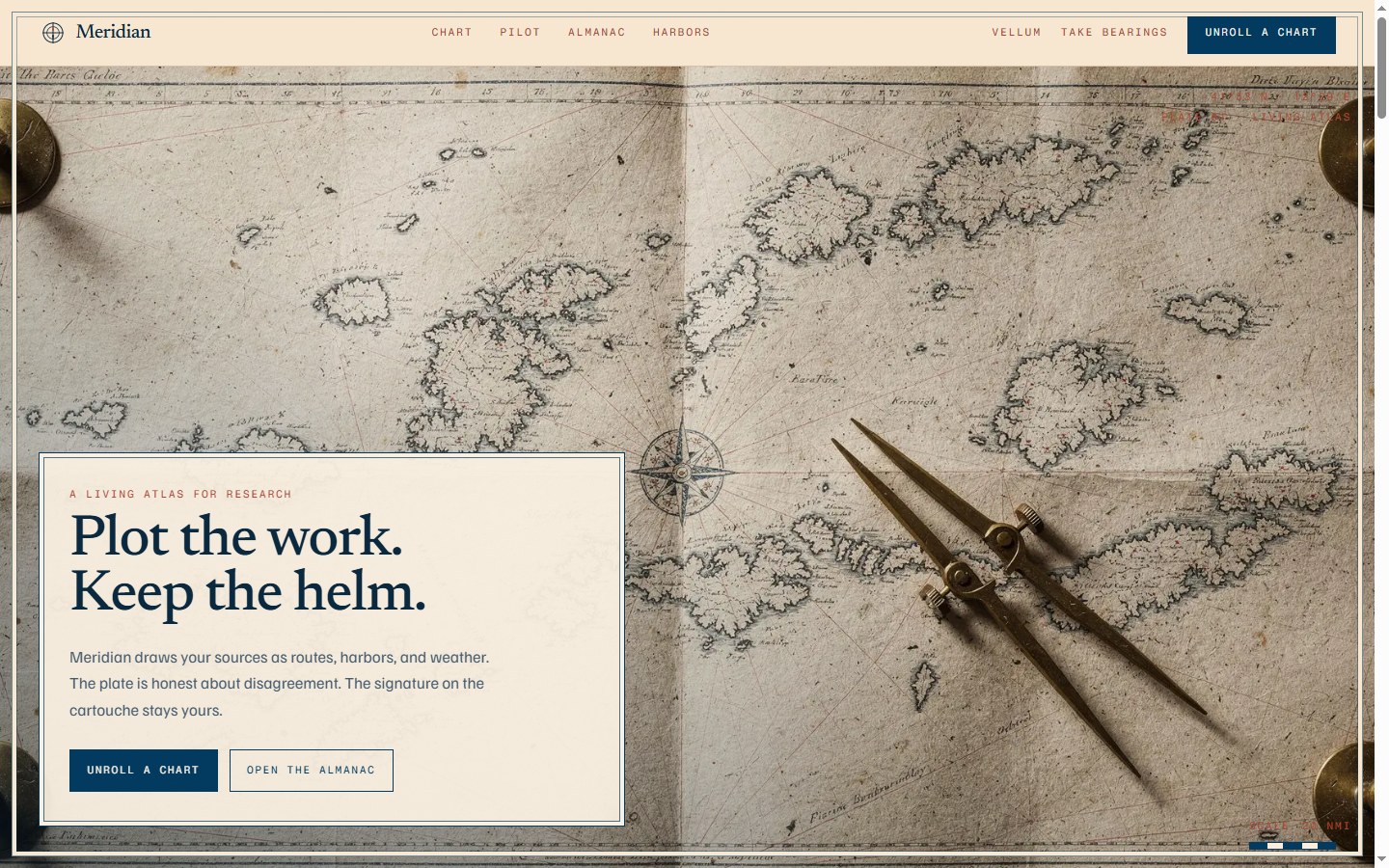 07
07Meridian
Plot the work, keep the helm
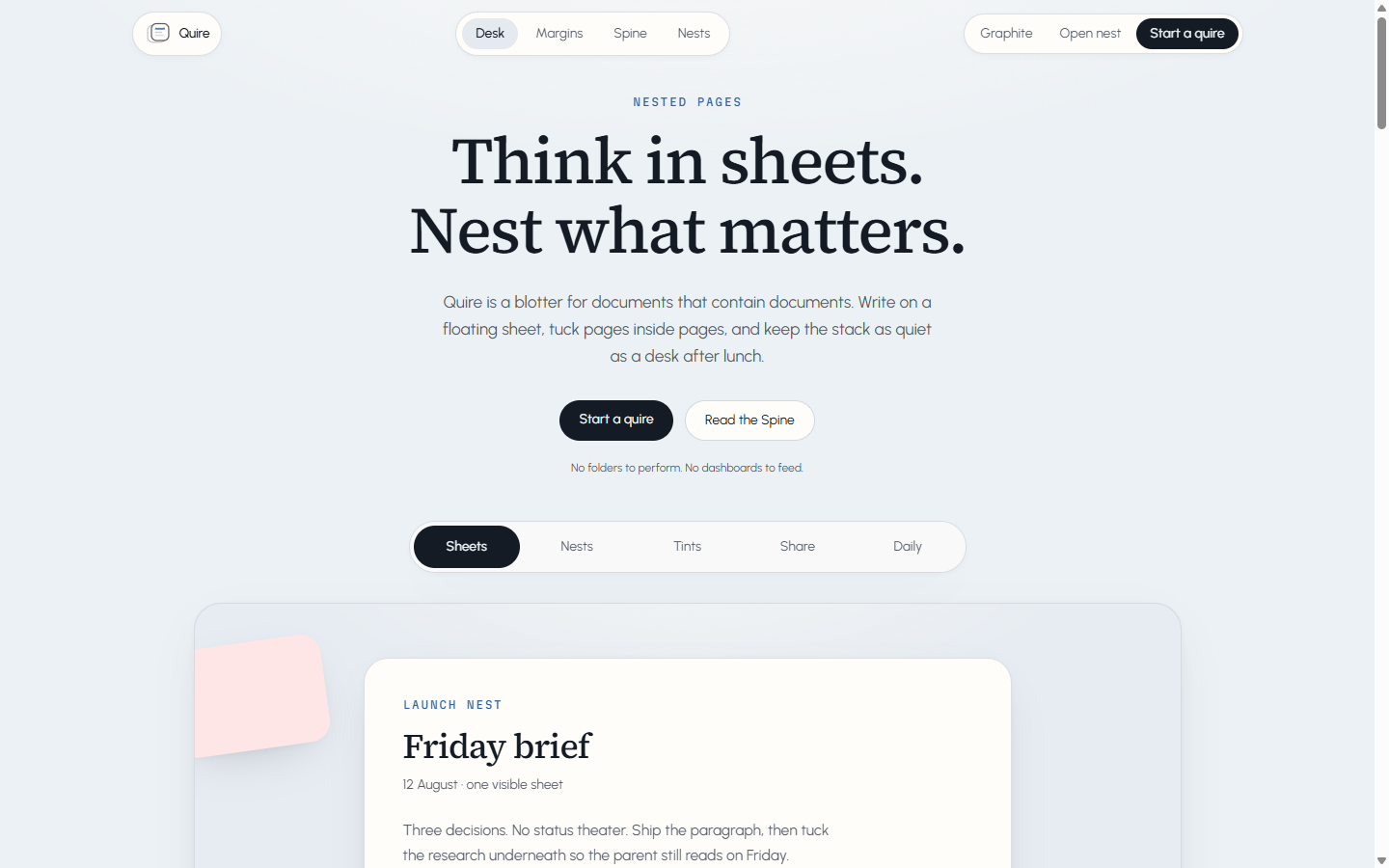 08
08Quire
Nested pages, floating on a blotter
 09
09Solis
Precision 6500K optical raytracing and spectral calibration
- 10·Next issueOn press
Vesper
Dusk vitrine
- 11·Further onIn manuscript
Folio
Unbound proofs
The full catalog and how to buy live at /templates. Launch notes: changelog — landing-page templates sold with MuseMVP.
How it sits on MuseMVP
The public surface and the signed-in product are two layers. Swapping an issue only touches the first.
Get the starter and the issue source
Founding licenses and existing MuseMVP buyers get the starter and the Collection library through the same GitHub and Discord channels. A single-issue purchase is that landing page only — no later issues, and no starter.
Replace the public routes
Public marketing pages in the starter compose in src/app/(landing-page)/[locale]/.... Replace or rewrite that layer with the chosen issue: home sections, header and footer, and the public pricing and FAQ surface.
Do not restyle the signed-in shell to match the issue. /app/* still mounts from src/modules/layout — sidebar, header, command search. See App Layout Customization.
Align brand, copy, and pricing
Wire the issue’s visual tokens into the existing theme variables, put public copy in the locale JSON files, and keep pricing display on the billing config. Tokens: Theme Modes and Tokens. Copy: Internationalization.
Customize sections and components in depth
An issue is full source, not a locked theme pack. Add or drop sections, swap components, change motion and type — as long as public routes still compose in file order and the signed-in product still uses the same /app shell.
Who owns what
| Layer | Change this | When you swap an issue |
|---|---|---|
| MuseMVP baseline | Auth, billing, i18n, /app shell, deploy | Keep it; do not restyle the shell to match the issue |
| Default landing | JSX order in src/app/(landing-page)/[locale]/... | Hide, replace, or reorder sections in the route file |
| Collection issue | The whole public surface: look, sections, demo | Replace the public layer with the issue source |