Admin
User Management
Entry, permissions, available actions, and key implementation notes for the admin user management page.
The user management page is used to view and manage site users, including search, pagination, role management, and deletion.
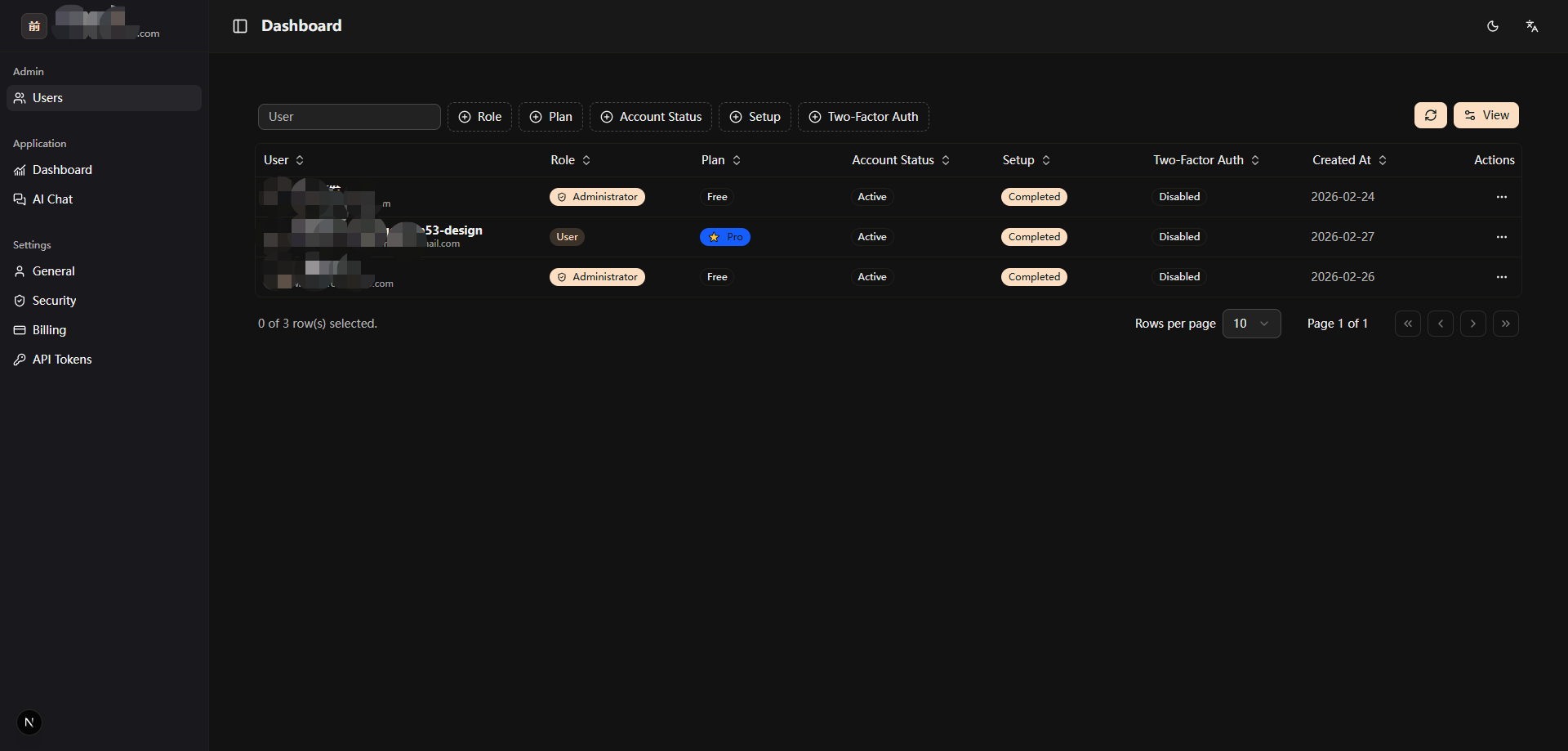
Entry
Page route: /app/admin/users
Page Capabilities
- User list (pagination + search, with billing contract info attached)
- Create user
- Edit user profile
- Set password
- Ban/unban (supports
banReasonand abanExpiresInban duration) - Session management (view active sessions, revoke one or all)
- Impersonation (paired with a persistent
ImpersonationBannerand one-click exit) - Assign/remove admin role
- Delete user
Extension Tips
- When adding new user dimensions (for example, source channel), update the query layer first, then columns and filters.
- When adding new admin actions, prefer reusing
src/modules/admin-users/hooks/use-user-actions.ts(which wraps theauthClient.adminoperations), and invalidate the user list query cache after success. - Action dialogs live in
src/modules/admin-users/components/, includingCreateUserDialog,EditUserDialog,BanUserDialog,SetPasswordDialog, andUserSessionsDialog; action entries are all mounted inUserActionsMenu. - The user list response attaches billing contract data to each user in
src/backend/api/routes/admin/serialize-admin-users.ts; start there when extending list fields. - The persistent banner and exit button during impersonation are rendered by
src/modules/layout/components/ImpersonationBanner.tsx. - Upgrade logic depends on product configuration. Before changes, check
src/config/index.tsandsrc/config/saas/pricing-desc-usage.ts.